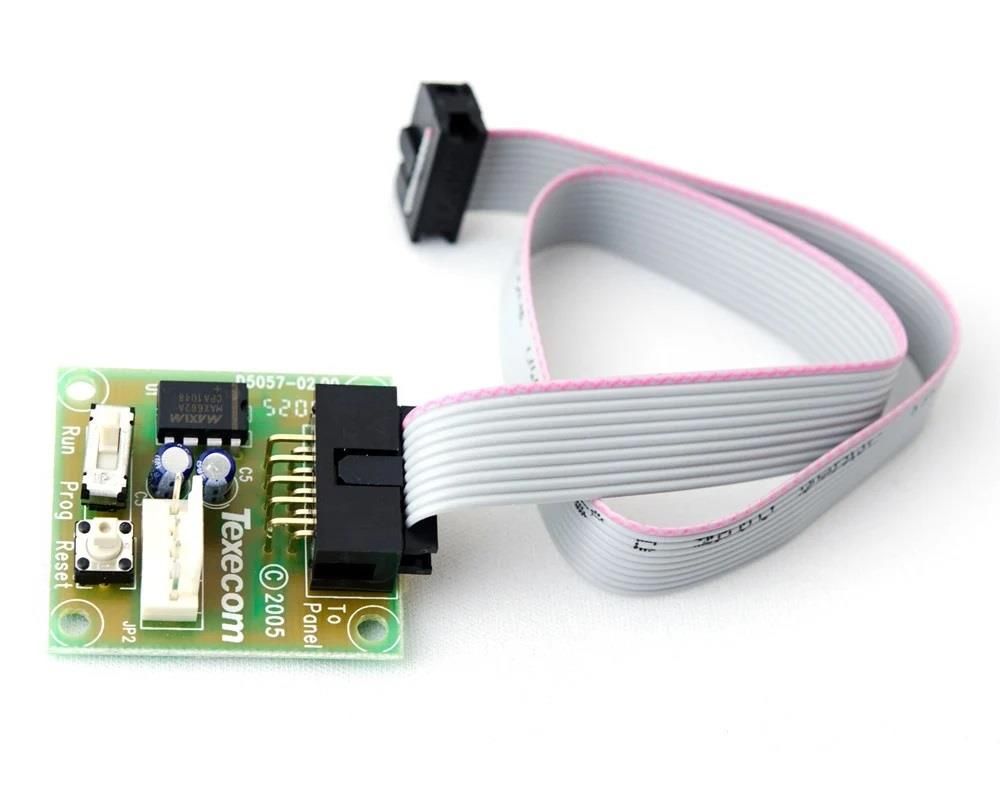
For Flash Upgrading the Premier 24/48/88/168/640 control panels. In order to flash upgrade the control panel the following items are required:
Features:
- Flash Interface PCB
- PC-Com or USB-Com
- PC and Premier Flasher software
- Flash data file *
- Wintex UDL Software (recommended)
Product Specifications
| Specification |
Details |
| Brand |
Texecom |
| Product |
Premier Flash Interface PCB |
| Product Type |
Alarm Panel Flash Upgrade Interface |
| Compatible Panels |
Premier 24, Premier 48, Premier 88, Premier 168, Premier 640 |
| Communication Device |
PC-Com or USB-Com |
| Software |
Premier Flasher |
| Flash Data |
Required |
| Wintex UDL |
Recommended |
| Application |
Firmware / Flash Upgrade |
| Suitable For |
Security Installers and Alarm Engineers |
Why Choose the Texecom Premier Flash Interface PCB?
The Texecom Premier Flash Interface PCB is a purpose-built accessory for installers who need to flash upgrade compatible Premier control panels. It works as part of a complete programming setup with the required communication interface, PC software and flash data file.
If you are maintaining or upgrading a Texecom Premier 24, 48, 88, 168 or 640, this interface PCB provides the dedicated connection needed for the flash upgrade process.
Please ensure you have all required equipment and the correct firmware data file before carrying out an upgrade.